How to Get WhatsApp Blue Tick Verification for Your Business in Qatar
If you run a business in Qatar and rely on WhatsApp to talk to customers, you’ve probably noticed something: some business accounts carry a small blue checkmark next to their name, and yours doesn’t. That badge isn’t cosmetic — it’s WhatsApp’s way of telling every customer “this account is confirmed genuine.” For a business, that single detail can be the difference between a customer trusting your reply and ignoring it.
Here’s what the blue tick actually means, why it matters for Qatar businesses specifically, and how to go about getting one.
What Does the Blue Tick Actually Mean?
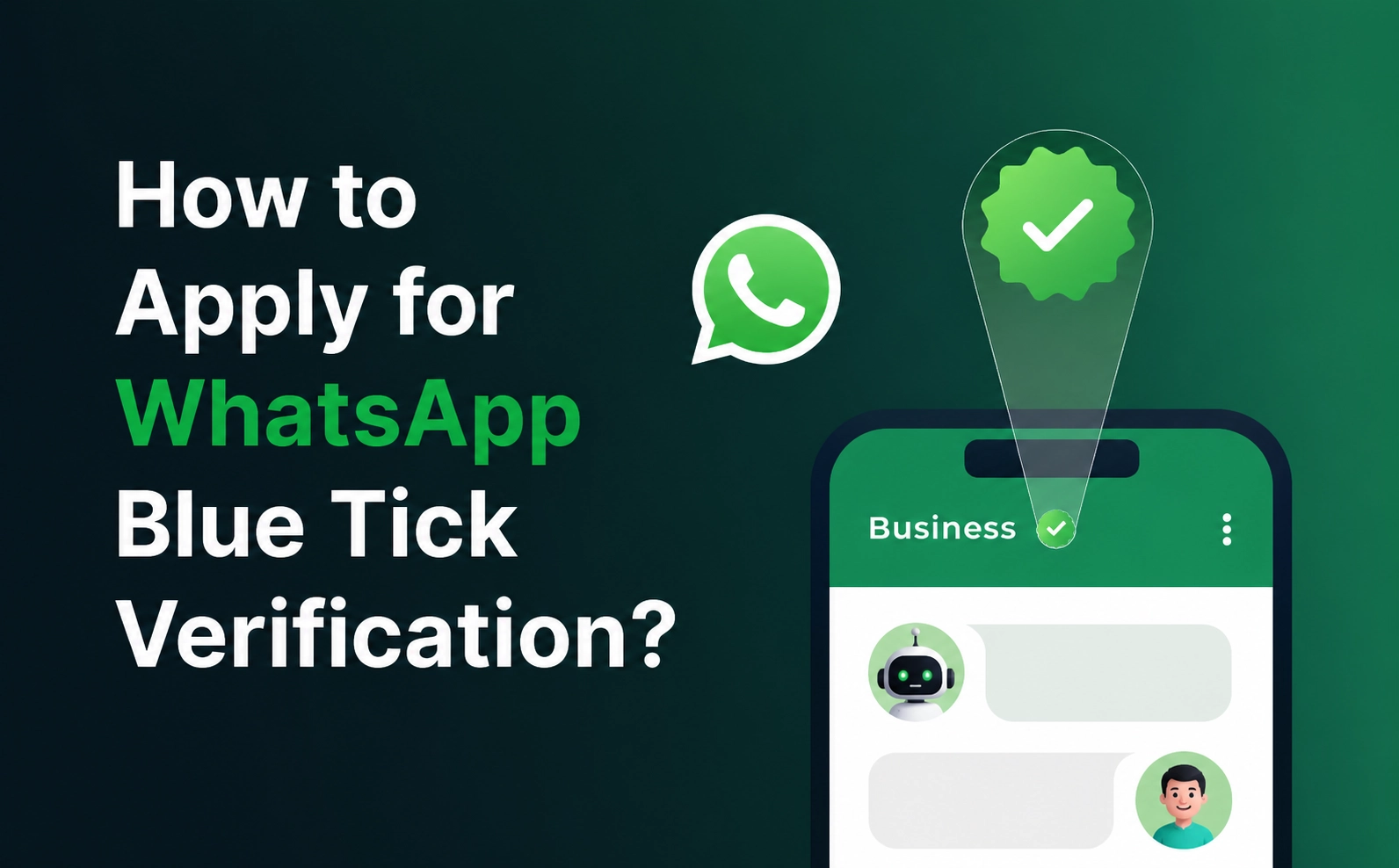
The blue tick is an official verification badge that WhatsApp places next to a business name once it has confirmed the account belongs to a real, legitimate company. It’s not something you can buy or unlock by paying a fee — it’s earned through meeting Meta’s criteria and going through a review process.
Once verified, customers immediately know they’re chatting with the actual business, not a copycat account or a scammer using your brand name — a real risk in markets like Qatar where WhatsApp is often the first point of contact for retail, real estate, healthcare, and government-adjacent services.
Why It’s Worth Pursuing
Instant credibility. In a market where trust drives purchase decisions, a verified badge tells customers you’re established and accountable.
Higher response and open rates. People are more willing to click, reply, and share details with an account they know is verified.
Brand protection. Verification makes it much harder for fraudulent accounts to impersonate your business — a growing concern as WhatsApp-based scams increase across the GCC.
Positioning. For companies competing in crowded categories — retail, real estate, logistics, F&B delivery — the badge is a quiet but effective differentiator.
Do You Qualify?
Meta doesn’t publish an exact checklist, but verification approval tends to favor businesses that show:
- A recognizable brand with consistent naming across platforms
- An active digital footprint — a working website, active social channels, and real customer engagement
- Full compliance with WhatsApp’s Business and Commerce Policies
- A WhatsApp Business Platform (API) account, rather than the basic Business App, since API accounts go through Meta’s formal onboarding and review
Smaller businesses aren’t automatically excluded — but the stronger and more consistent your online presence, the better your odds.
The Verification Process, Step by Step
1. Move to the WhatsApp Business Platform (API) Verification is tied to the official API, not the free Business App. This also unlocks automation, multi-agent support, and integrations — useful regardless of verification.
2. Get your Business Manager and account fully compliant Your Meta Business Manager profile needs to be complete and policy-compliant before any verification request goes anywhere.
3. Polish your business profile Accurate business name, a clean logo as your profile photo, a clear description, and correct, working contact details and website link. Small inconsistencies here are a common reason for delays.
4. Strengthen your presence outside WhatsApp A functioning website, active social media, and genuine customer reviews all feed into how Meta evaluates legitimacy. This groundwork matters as much as the request itself.
5. Submit through your API provider This is the part most businesses in Qatar get wrong — verification requests for API accounts go through your Business Solution Provider (BSP), not directly through a WhatsApp app. Your provider handles the technical submission and ensures your request is formatted the way Meta expects.
6. Wait it out Review timelines vary — anywhere from a few days to a few weeks. Resist the urge to resubmit repeatedly; that can slow things down further.
If Your First Request Gets Rejected
It happens, and it’s rarely final. If you’re turned down:
- Check whether a reason was given and fix it directly
- Tighten up your website, social presence, and reviews
- Make sure your Business Manager details are fully consistent
- Reapply once the gaps are closed
Where OmnifAI Qatar Fits In
As an official Meta Business Solution Provider based in Qatar, OmnifAI handles the entire WhatsApp Business Platform setup for you — API onboarding, profile optimization, and the blue tick verification submission itself — so you’re not navigating Meta’s requirements alone.
Beyond verification, OmnifAI also sets you up with AI-powered chat automation, so verified badge or not, your customers get an instant reply around the clock.
Want to check if your business qualifies for verification? Message OmnifAI Qatar on WhatsApp for a free eligibility review.
FAQs
How long does verification take? Typically a few days to a few weeks, depending on how complete your profile and online presence are.
Can small businesses get verified? Yes. It’s easier for well-known brands, but smaller businesses with a solid, consistent online presence and API account can qualify too.
Is verification free? Yes — Meta doesn’t charge for the badge itself. You only pay for the WhatsApp Business API service through your provider.
Can you lose the blue tick after getting it? Yes, if your business changes significantly or breaches WhatsApp’s policies, verification can be revoked.